
Here in this post, you’ll get a free download link of the Real Oil Paint Photoshop Action compress file from below. This action will turn your photo into a realistic oil painting look. No need for an extra plugin. You Can Also Download Oil Painting Photoshop Action.
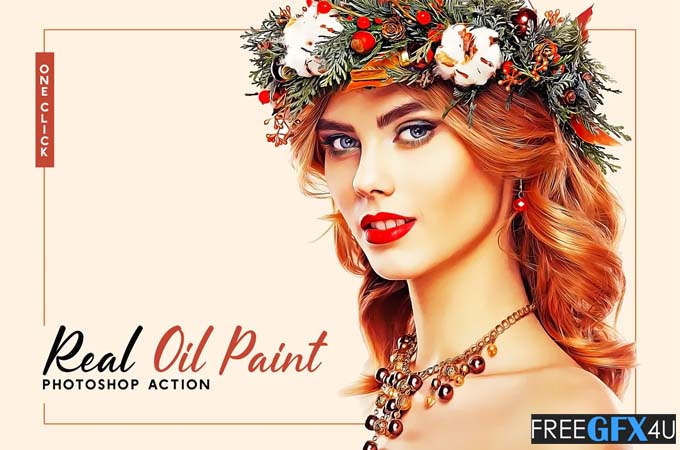
You simply load up your photo, hit play on the action, and see your result! You then have great control over the final look of your design. It will work on any type of photography like portrait, landscape, nature, wildlife, and many more. You Can Also Download Pure Oil Art Photoshop Action.
Screenshot Images of Real Oil Paint PS Action:
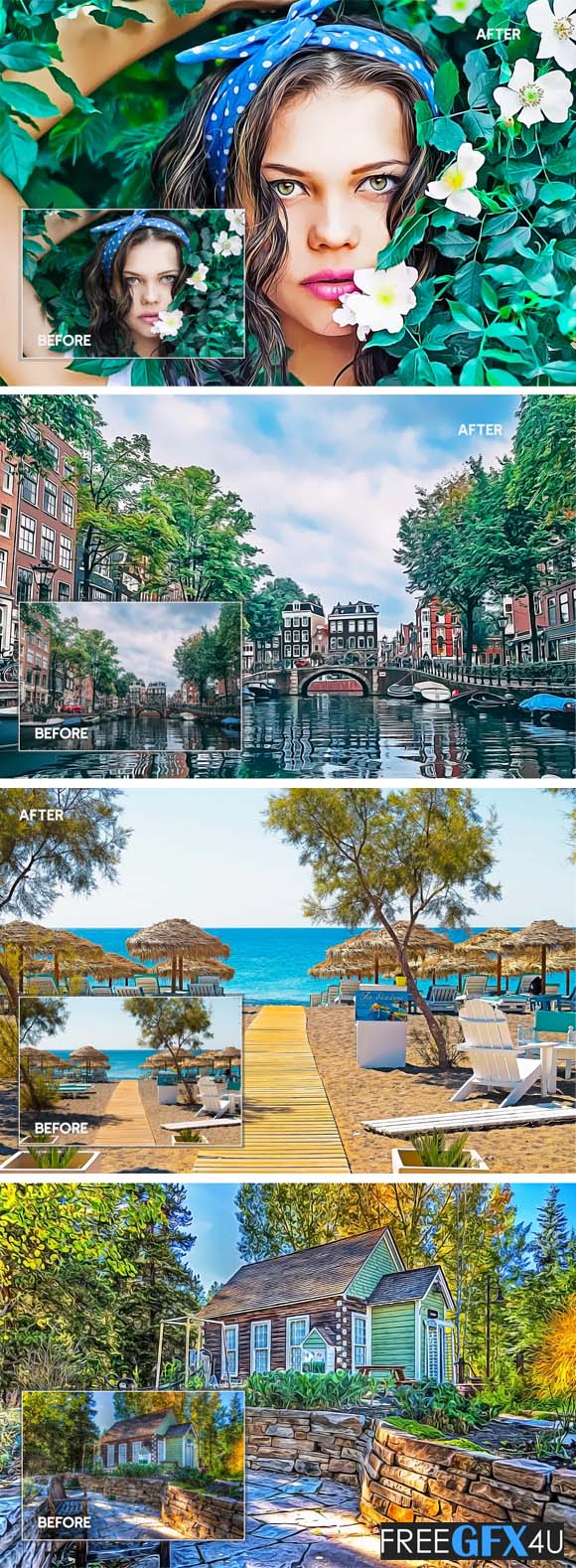
This Real Oil Paint is very easy to utilize. It needn’t bother you to change anything. Only a single click give your photographs the temperament and painting style. Real Oil action is developed for professional & nonprofessional types of photographers, bloggers. A photographer can save precious time by using this action effect. And illustration information you will find the PDF document after downloading the product.
Features:
- 1 Action in 1 ATN.
- Tested on 100 pictures.
- Compatible with Adobe Photoshop.
- Works with Photoshop CC (Creative Cloud).
- Compatible with CS6 to CC 2020.
- Compatible with both Mac and PC.
- Works on RAW and JPEG images.
- 1 Click Action.
- Non-destructive.
- PDF Documentation.
Supported File Formats:
- RAW FORMAT
- DIGITAL NEGATIVE FORMAT (DNG)
- TIFF FORMAT
- JPEG FORMAT
- PSD FORMAT
These actions may not work well on:
- Overexposed Images
- Underexposed Images
- Low-Quality Images






